
Video Tool
Video Depth Map Generator
Turn video into AI depth maps. Choose grayscale or color and download an MP4.
- Free · No signup · No watermark
- Private AI processing in your browser
- Grayscale or color MP4
- Depth guides for ComfyUI, ControlNet and compositing
Checking browser…
Video depth map FAQ
What is a video depth map?
A depth map shows relative distance. In grayscale, white means near and dark means far. Color goes from dark violet for far areas through orange to pale yellow for near areas. You can invert either palette.
How do I convert a video into a depth map?
Choose a video and complete the pre-check. Generate, preview, and download your depth map as a silent MP4.
Which AI model does it use?
Depth Anything V2 Small runs in your browser. The first run downloads about 50–99 MB of model data.
Is it free? Are my videos uploaded?
It is free, with no signup or watermark. Videos stay on your device. Your browser downloads the AI model.
What are the video and export limits?
Use clips up to 60 seconds, 1080p, and 300 MB. The pre-check can prepare larger clips locally. Download a silent grayscale or color MP4 up to 720p.
Can I use depth maps in ComfyUI or ControlNet?
Yes. Depth maps can guide the shapes and layout of AI-generated images or videos. Use the grayscale version in ComfyUI or ControlNet. If your workflow needs PNG images, use Video Frame Extractor to save individual frames from the MP4.
Which newer AI video workflows use depth maps?
Try LTX-2.5 with Union Control or MiniMax H3 with Fun ControlNet for depth-guided video in ComfyUI. Use grayscale exports as the depth input. Seedance 2.5 also accepts video references including depth maps.
Which browser works best?
Use desktop Chrome or Edge with graphics acceleration. CPU processing is available but slower. Keep the tab visible while processing.
Can I use it on a phone or tablet?
Not currently. Use Chrome or Edge on a desktop or laptop to create depth videos. You can still watch the example on mobile.
How does this compare with DaVinci Resolve Studio’s Depth Map?
Use Fuzz Puppy for a free, standalone depth MP4 from a short clip in your browser. DaVinci Resolve Studio is a better fit when you want to use depth maps within a full editing and color-grading project.
How does this compare with Depth Scanner 2?
Fuzz Puppy creates a depth MP4 in your browser without installing an editing app. Depth Scanner 2 runs inside After Effects and Premiere Pro, with multiple depth models and depth-based effects. Choose it when you want to work directly in those editors.
More video tools
Video Frame Extractor
Pull first, last, or custom PNG frames from a video right in the browser.
Pose Map Extractor
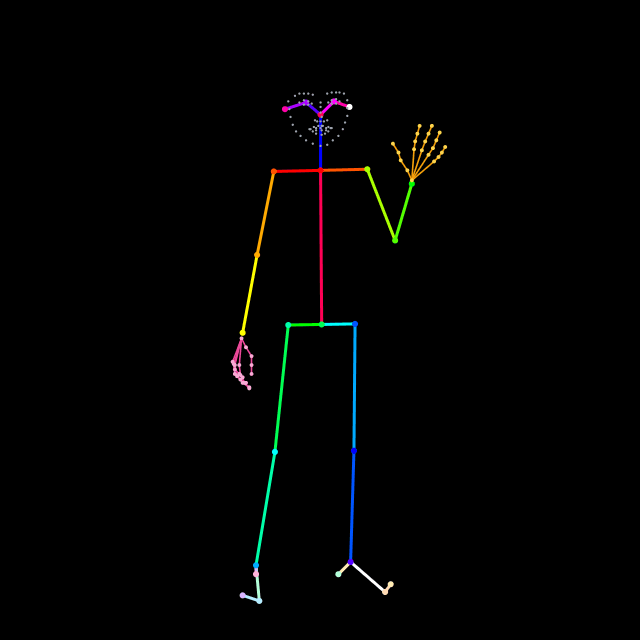
Upload an image or video and extract a pose map.
Video Trimmer
Set in/out points, preview the slice, and download the trimmed clip.
AI Video Color Corrector
Automatically fix exposure, white balance, and color per scene. Also, fix consistency between cuts. No grading skills needed.