
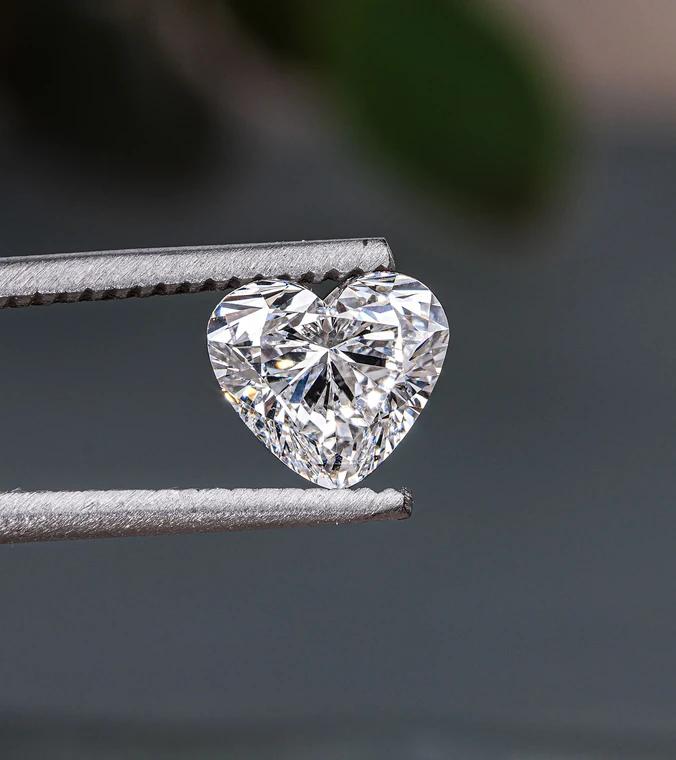

Isolate products for online listings. Choose a transparent or white background and download a PNG.
No signup · No watermark

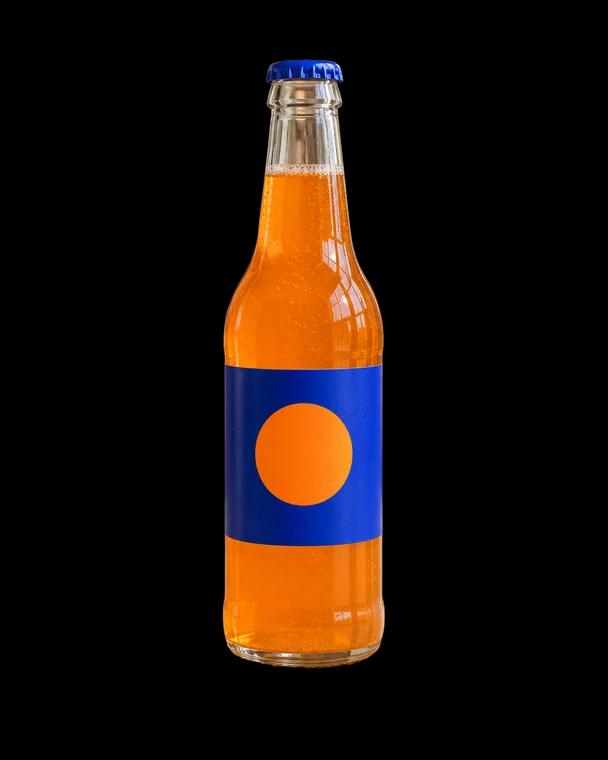
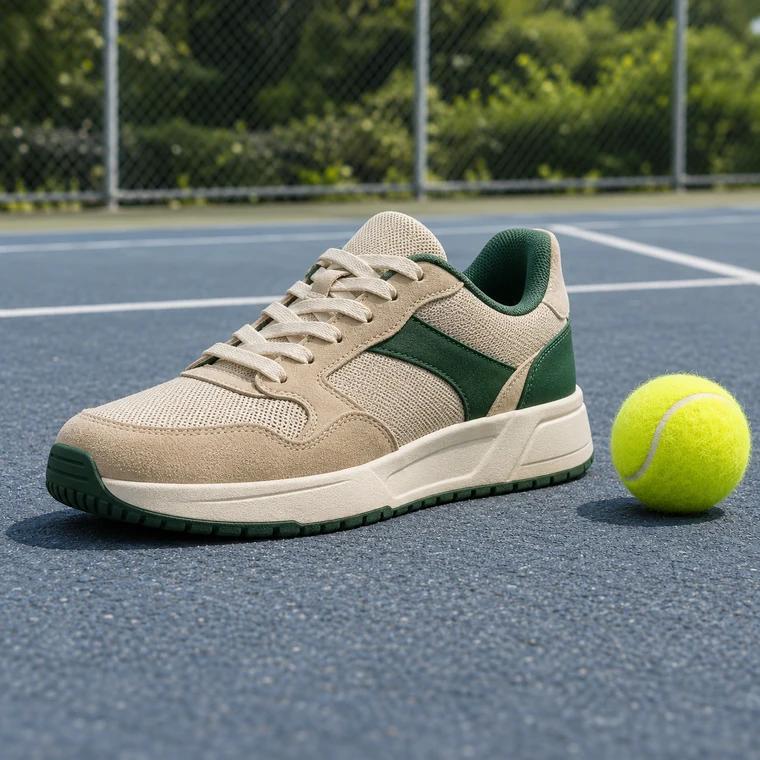
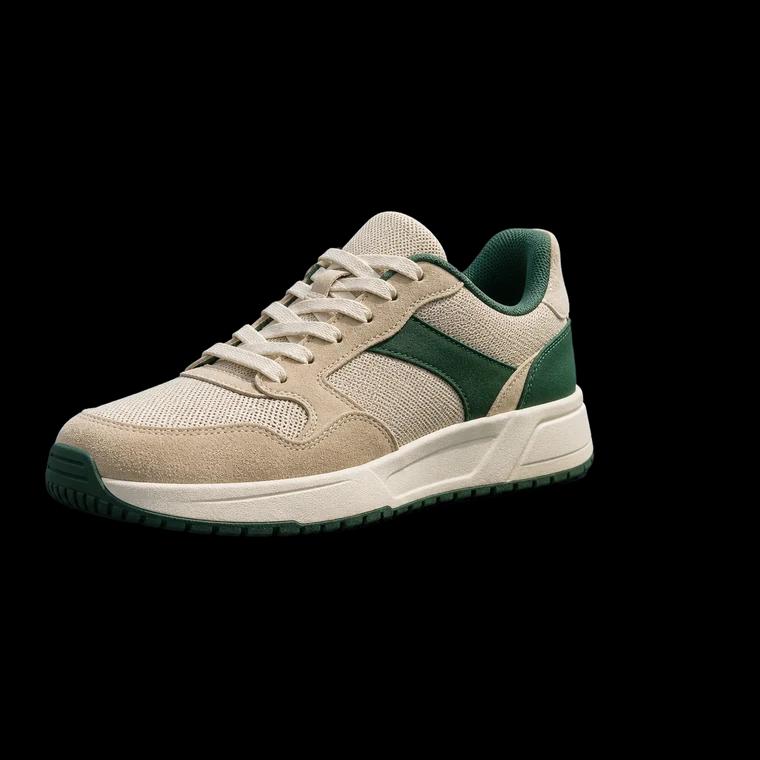


Choose a product photo. Move the box around the item you want to keep, then select Remove background. Download a transparent PNG or choose White for a solid background. The tool is free, with no signup or watermark.
A tight box helps Finegrain isolate one item from hands, stands, or props. Include the full outline so handles, straps, and tips have room. You can remove the box to run on the whole photo.
Yes. Choose White in Background and select Square in Canvas shape. Check your store or marketplace's size and background requirements before uploading the PNG.
Choose one PNG, JPG, WebP, or AVIF. The tool checks the image before removing the background. Images over 40 MB, 16 megapixels, or 8192 pixels per side may qualify for a smaller copy prepared in your browser. The largest image the tool can prepare is 80 MB, 64 megapixels, and 16384 pixels per side. The output is PNG. Custom canvases allow 64–8192 pixels per side and up to 16 megapixels. Animated images use the first frame.
The photo is processed in your browser on a desktop or laptop with WebGPU. Finegrain requires FP16 graphics support. Chrome or Edge on a computer is a good starting point. The first run downloads the model and runtime. Phone and tablet processing is not supported.
Use Fuzz Puppy to isolate one product with a box and export a PNG without an account. Photoroom offers a broader photo editor with backgrounds and shadows. Its Background Remover has a daily usage limit in Free Spaces.
Use Fuzz Puppy when you want to select a specific item in the photo and process it locally. Adobe Express offers free automatic background removal and a full editor for adding a new backdrop or placing the cutout in a design.